Setting up a Windows VPS that combines fast deployment, licensing clarity, and full admin control is complicated by hidden costs and slow setup workflows. Many providers skip bundled RDS licenses, limit geographic options, or add unpredictable fees for custom configurations and support, making true performance and scaling harder to secure upfront. This comparison of five Windows VPS hosting platforms lets you match server speed, region scope, licensing options, and support to your workload so you can stop guessing about fit before migration.
Table of Contents
- NetCloud24 Windows VPS Ireland
- Hostek
- SoftSys Hosting
- Kamatera Windows VPS Hosting
- MonoVM Windows VPS
- VPS Hosting: A Comparative Analysis
NetCloud24 Windows VPS Ireland
At a Glance
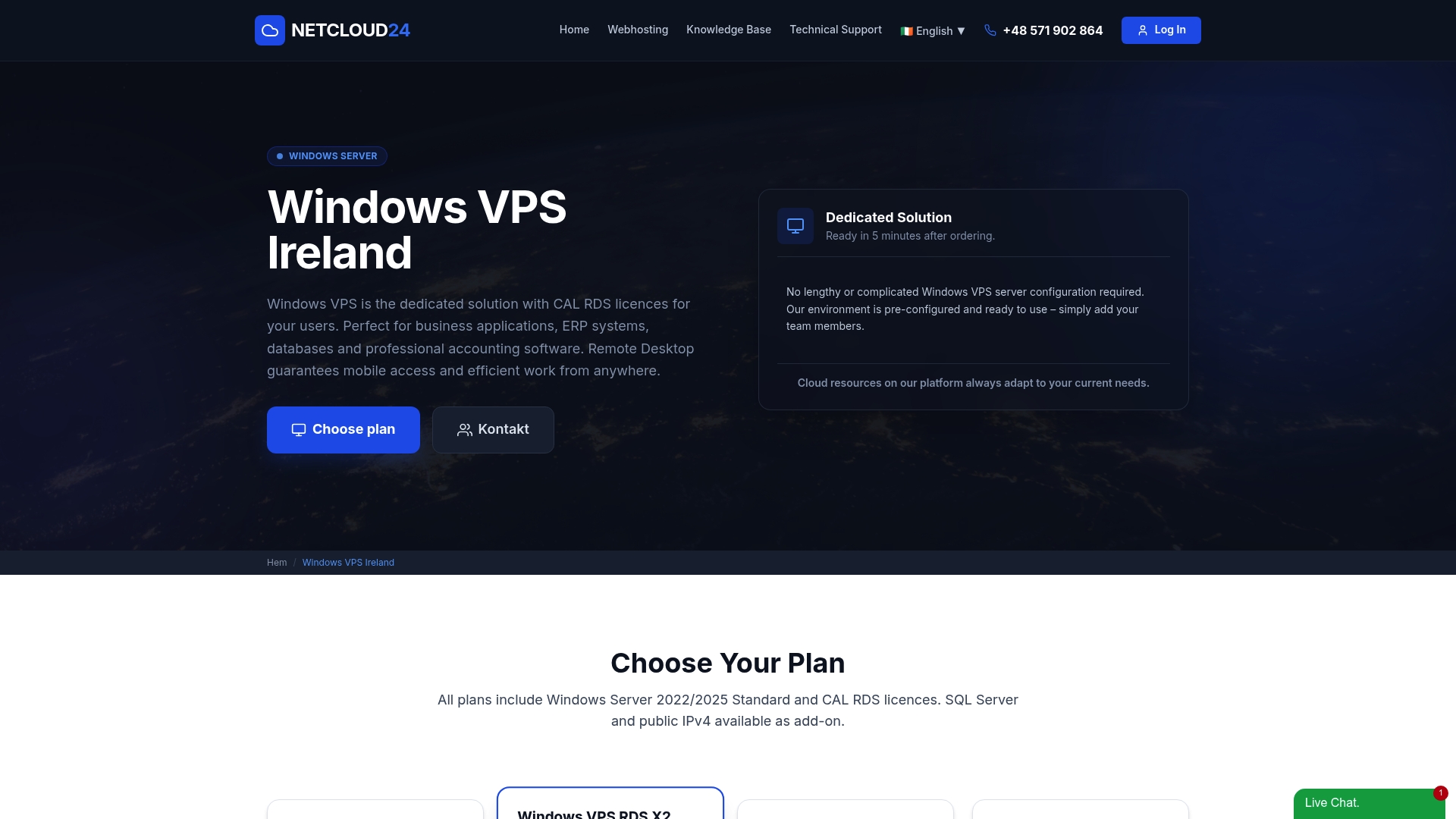
Includes CAL RDS licenses for Windows Server 2022 and 2025 on NVMe enterprise storage, removing a common licensing headache for multiuser remote desktop setups.
The vendor advertises pre configured environments that are ready in five minutes, making initial rollout fast for IT teams.
Core Features
- Pre configured images for Windows Server 2022 and 2025 with CAL RDS licensing included for specified users.
- Cloud resources that scale with demand so CPU and RAM allocation can be adjusted without rebuilding the server.
- NVMe enterprise storage with high IOPS for database and ERP workloads and automatic daily backups retained externally for 14 days.
- Integrated firewall and VPN access alongside GDPR compliance measures the vendor states as part of its hosting posture.
Key Differentiator
NetCloud24 combines bundled RDS licensing with NVMe storage and templates tuned to Irish business software. That package reduces the manual steps IT teams usually spend on licensing and image configuration while keeping storage performance tuned for ERP and accounting workloads.
Pros
- Instant deployment and straightforward setup. The pre configured images and included RDS CALs cut the typical provisioning time for a Windows VPS.
- High performance storage. NVMe enterprise drives deliver lower access latency for database transactions and file server activity.
- Local business focus. Support for Irish accounting packages such as Sage and Xero means fewer compatibility surprises during migration.
- Backups and compliance posture. Automatic daily backups stored externally for 14 days and a stated GDPR compliance aim help with data retention and regulatory requirements.
- Dedicated support team. The vendor lists hands on support for business migrations and troubleshooting, which speeds problem resolution.
Cons
- Pricing can vary depending on optional add ons like SQL Server licenses or additional public IPv4 addresses, which may raise the total monthly cost.
Who It's For
Irish businesses and development teams that need ready to use Windows VPS instances with RDS multiuser access. Ideal for companies running ERP, accounting suites, or databases that require consistent performance and local support.
Unique Value Proposition
Built for Irish business software such as Sage and Xero, NetCloud24 packages licensing, performance, and local support into a single offering. That reduces the administrative work of procuring RDS CALs and testing third party integrations after deployment.
Real World Use Case
A mid sized Irish company migrates its ERP and remote desktop environment to NetCloud24. IT spins up an RDS instance, assigns CALs to users, and migrates the database onto NVMe storage to cut transaction latency during peak reporting windows.
Pricing
Windows VPS RDS X1: 122.99 EUR/month (incl. VAT). X2: 245.98 EUR/month. X3: 368.99 EUR/month. X4: 553.49 EUR/month. Plans list included CAL RDS licenses for the specified user counts and additional options such as SQL Server will change pricing.
Website: https://ie.netcloud24.com
Hostek
At a Glance
Hostek's marketing materials advertise a 99.999% uptime guarantee, a bold promise aimed at customers who cannot tolerate downtime. The vendor also highlights 24/7 US-based support and global data center presence for redundancy and faster regional response.
Core Features
Hostek focuses on managed hosting for businesses that need hands-off infrastructure and security.
- Managed server operations including patches, backups, and monitoring handled by the provider.
- Load balancing and geo-failover for traffic distribution and regional resilience.
- Customized configurations for WordPress, Windows hosting, ColdFusion, and enterprise stacks.
- Global data center footprint and the option to run on the vendor's infrastructure or AWS.
Key Differentiator
Hostek positions itself on dependable infrastructure plus human support. Where many providers sell automation first, Hostek pairs redundancy and global presence with an emphasis on live US-based support and account management for configuration and escalation.
Pros
- Many customers praise the technical support team for quick responses and professionalism. The hands-on model helps when complex server tuning is needed.
- The platform supports both managed environments and hybrid setups on AWS, which helps teams migrating legacy applications.
- Built-in security monitoring and proactive patching reduce maintenance overhead for internal IT teams.
- Support for specialized stacks like WordPress and ColdFusion simplifies hosting niche business applications.
- The global footprint and load balancing features provide a path for geographic failover and lower latency for distributed users.
Cons
- Several recent server migrations caused notable service disruptions, which harmed availability for some customers.
- Support communication during outages has been reported as inconsistent, affecting incident transparency.
- Account access and billing management issues have frustrated some users and added administrative overhead.
- Mixed reports on recent reliability mean you should verify SLAs and migration plans before committing.
When It May Not Fit
If your team requires a pure self service cloud with API-first provisioning and fully automated workflows, Hostek's managed emphasis may feel heavyweight. Also avoid Hostek for mission critical migrations without a staged plan given the migration disruptions reported.
Who It's For
Businesses and developers that want hands-free server management backed by live support. Hostek fits organizations running production WordPress sites, legacy Windows applications, or enterprise servers that benefit from custom configurations and geo-failover.
Real World Use Case
A medium sized e-commerce company uses Hostek to run a high traffic WordPress site. The site uses load balancing and scheduled backups while the vendor handles security patches and monitoring. Support is available around the clock for urgent incidents.
Pricing
Pricing varies by service and configuration. Entry shared hosting starts near $12.67 per month while VPS and enterprise managed solutions increase based on CPU, RAM, storage, and managed service level. Get a quote for custom enterprise setups.
Website: https://hostek.com
SoftSys Hosting
At a Glance
$1.25 per month entry for Linux cloud hosting, with Windows plans from $8.95/month and managed VPS from $15/month. SoftSys pairs aggressive starter pricing with a global footprint spanning the US, UK, India, Singapore, and Australia.
Core Features
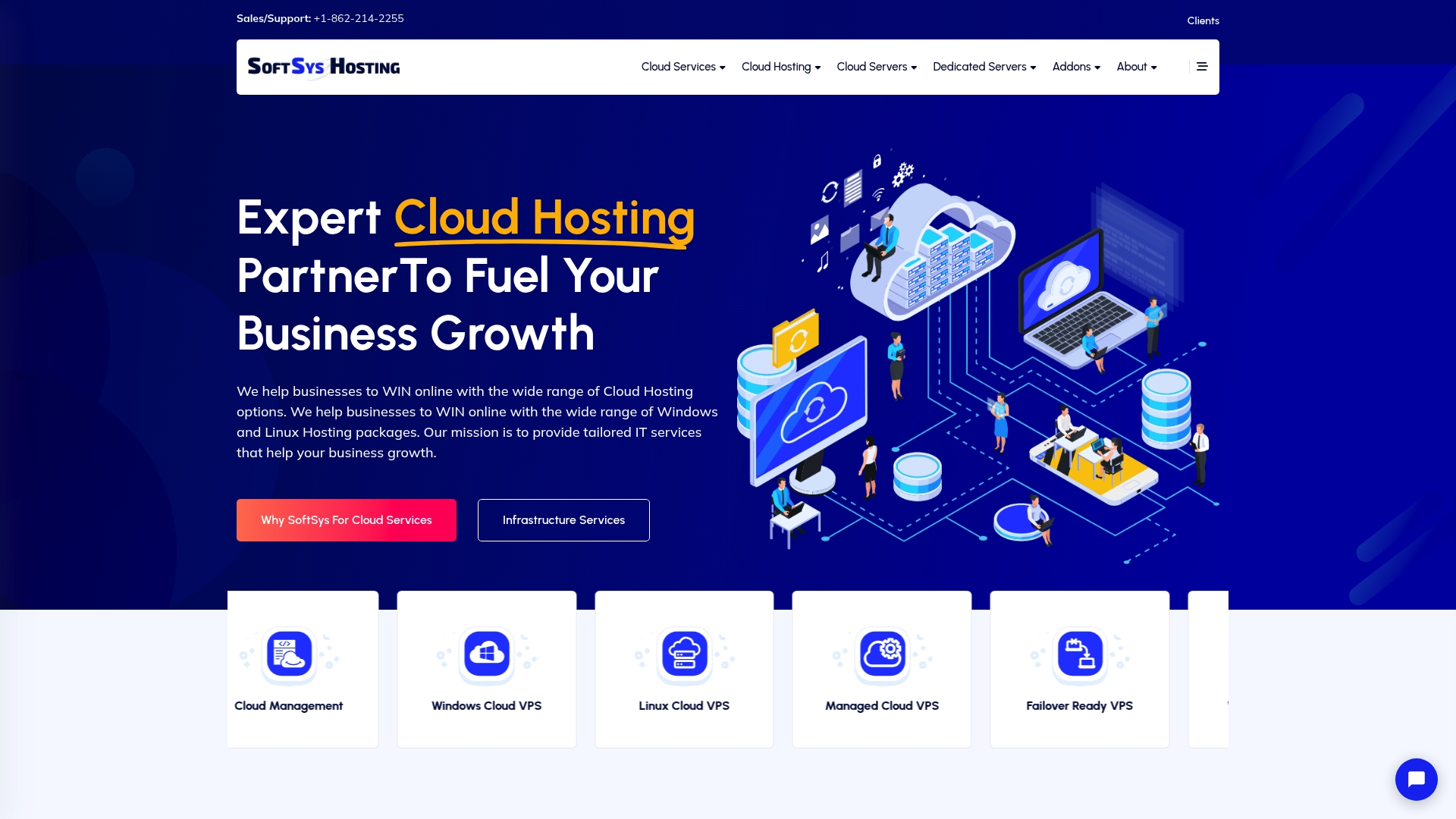
- Managed and unmanaged VPS hosting across multiple regions for Windows and Linux workloads.
- Dedicated servers with high-performance hardware and optional enterprise storage.
- Security stack including SSL, DDoS protection, backups, and cyber security services.
- Cloud cost optimization and hyper-scale cloud management support for AWS and Azure.
- Platform support for WordPress, WooCommerce, nopCommerce, Magento, and other CMS options.
Key Differentiator
The vendor positions SoftSys around a customer-centric approach with highly responsive support and many customization choices for cloud infrastructure. That positioning shows in managed offerings and the option to mix managed with unmanaged services across regions.
Pros
- Users report fast, responsive support; many customer comments praise quick ticket turnaround and hands-on help for migrations.
- High uptime and reliability appear frequently in user feedback, making the platform suitable for customer-facing sites and stores.
- Good entry-level pricing for small deployments lets teams test Windows and Linux clouds without a large upfront commitment.
- Wide service surface. You can combine VPS, dedicated servers, and managed security services under a single provider.
- Global data center presence reduces latency for distributed teams and regional compliance needs.
Cons
- Several users note occasional high-resource usage on shared VPS plans, which can require a mid-term upgrade to dedicated resources.
- Refund rules are reportedly strict; some customers found the policy restrictive when changing or cancelling plans.
- Account verification friction has delayed onboarding for a subset of customers, adding days to initial deployment in some reports.
- A few VPS configurations lack deep customization, so advanced tuning may need higher-tier or dedicated options.
When It May Not Fit
If you need a guaranteed, hands-off scale for CPU and RAM on a tight budget, the occasional resource limits on lower VPS tiers are a real constraint. Also avoid SoftSys if flexible refund terms are a procurement requirement for your company.
Who It's For
Small to medium businesses and regional enterprises that want flexible hosting choices and available managed support. It fits teams that want both quick start tiers and the option to grow into dedicated or hyper-scale managed services.
Real World Use Case
A retail company runs its WooCommerce store on SoftSys, using managed VPS for the storefront and dedicated hosting for the payment gateway. Staff report stable uptime and 24/7 support during seasonal traffic spikes.
Pricing
Pricing varies by service: Linux cloud hosting starts at $1.25/month, Windows from $8.95/month, managed VPS from $15/month, and dedicated servers from $89/month. Add-ons such as advanced security and backups carry extra fees.
Website: https://softsyshosting.com
Kamatera Windows VPS Hosting
At a Glance
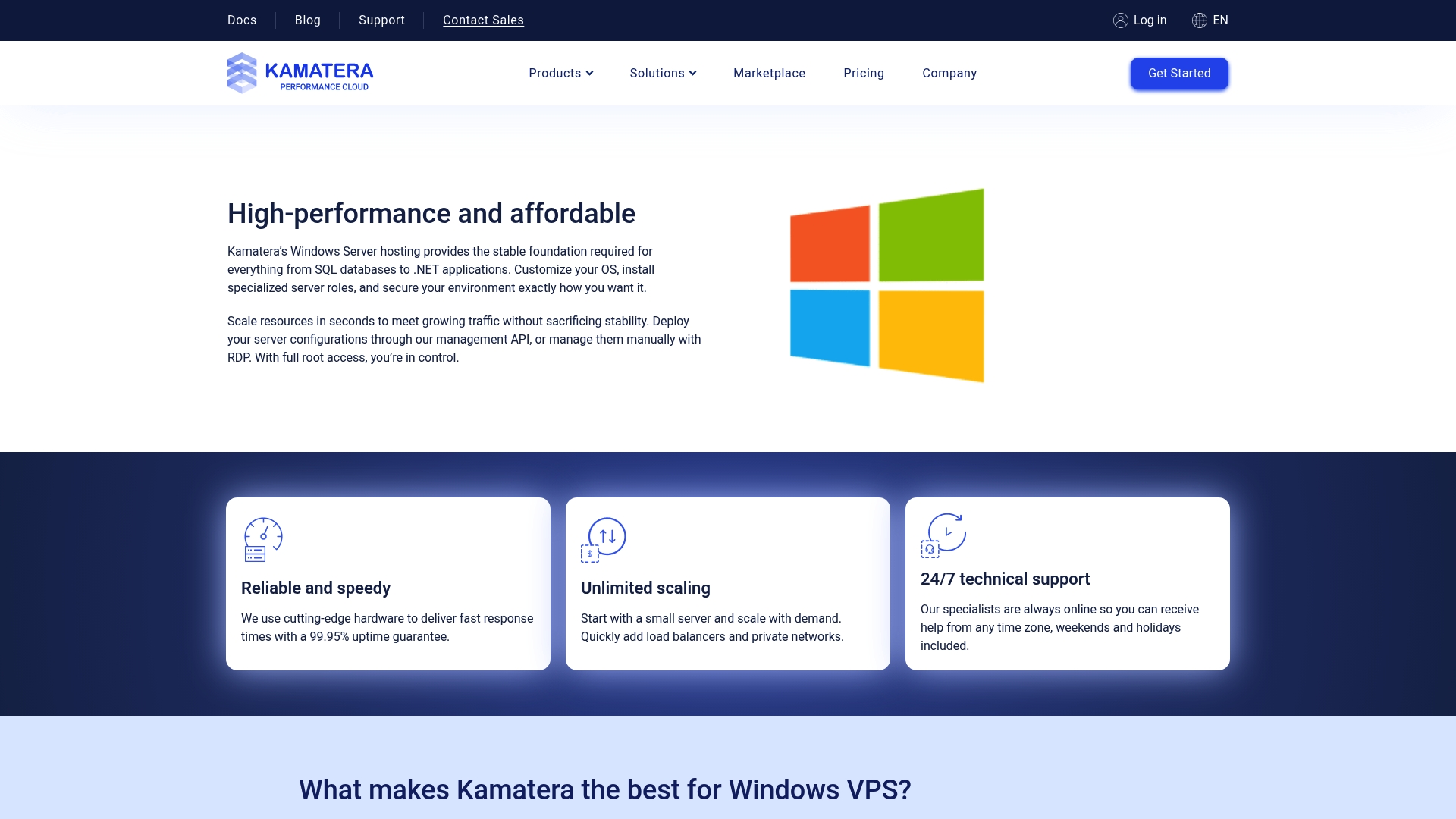
Kamatera lists Windows VPS plans starting at $8/month with hourly billing available, making short-term test deployments affordable. The platform emphasizes fully customizable instances and global data centers so you can place Windows servers close to users for lower latency.
Core Features
Full root access and customizable OS installation give you hands-on control of Windows Server builds and patching. Instant, real-time adjustments let you add CPU, RAM, or storage without rebuilding the instance.
Kamatera runs NVMe SSD storage on Intel Xeon processors and offers 24/7 support plus a global data center footprint for regional performance and data sovereignty options.
Key Differentiator
The standout is the platform’s real-time resource scaling for Windows VPS, letting you resize live instances on demand. That capability reduces planned downtime during traffic spikes and supports bursty workloads without long provisioning windows.
Pros
- The vendor advertises a 99.95% uptime guarantee, which provides a clear SLA to cite when evaluating reliability.
- A straightforward control panel makes server lifecycle tasks fast: deploy a Windows VM, attach storage, and change IP or snapshots in minutes.
- Hourly billing and transparent pricing are useful for temporary testbeds, development servers, or seasonal projects that should not pay full monthly rates.
- Global data centers help keep latency low for international clients and support local compliance requirements where regional hosting matters.
- 24/7 support and managed options reduce phone-and-ticket friction for teams that need occasional operational help.
Cons
- Some users report occasional billing discrepancies; that has created extra ticket work for finance teams.
- Support response times can vary during peak periods, which affects teams that need guaranteed rapid incident handling.
- Complex, highly customized Windows setups require advanced sysadmin skills; less experienced teams will face a steeper configuration curve.
- The free trial has limitations and initial setup can be confusing if you expect a fully managed Windows image out of the box.
When It May Not Fit
If your team expects a fully managed Windows Desktop-as-a-Service with user profile automation, Kamatera’s platform may require more hands-on administration than you want.
If you require guaranteed, fast support response windows during major incidents, the variable support times above may introduce risk for production-critical services.
Who It's For
Developers, IT teams, and small to medium organizations that need flexible Windows VPS with fine-grained control. Good fit when you want on-demand scaling, regional placement, and predictable hourly pricing for dev, test, or production workloads.
Real World Use Case
A web development team deploys Windows-based application servers for international clients, uses instant scaling during load tests, and spins down nonproduction instances hourly to reduce costs. Global nodes keep response times low in target markets.
Pricing
Plans start at $8/month for basic configurations, with hourly billing available. Expect additional charges for bandwidth transfers and extra storage beyond the base allocation.
Website: https://kamatera.com/cloud-vps/windows-vps
MonoVM Windows VPS
At a Glance
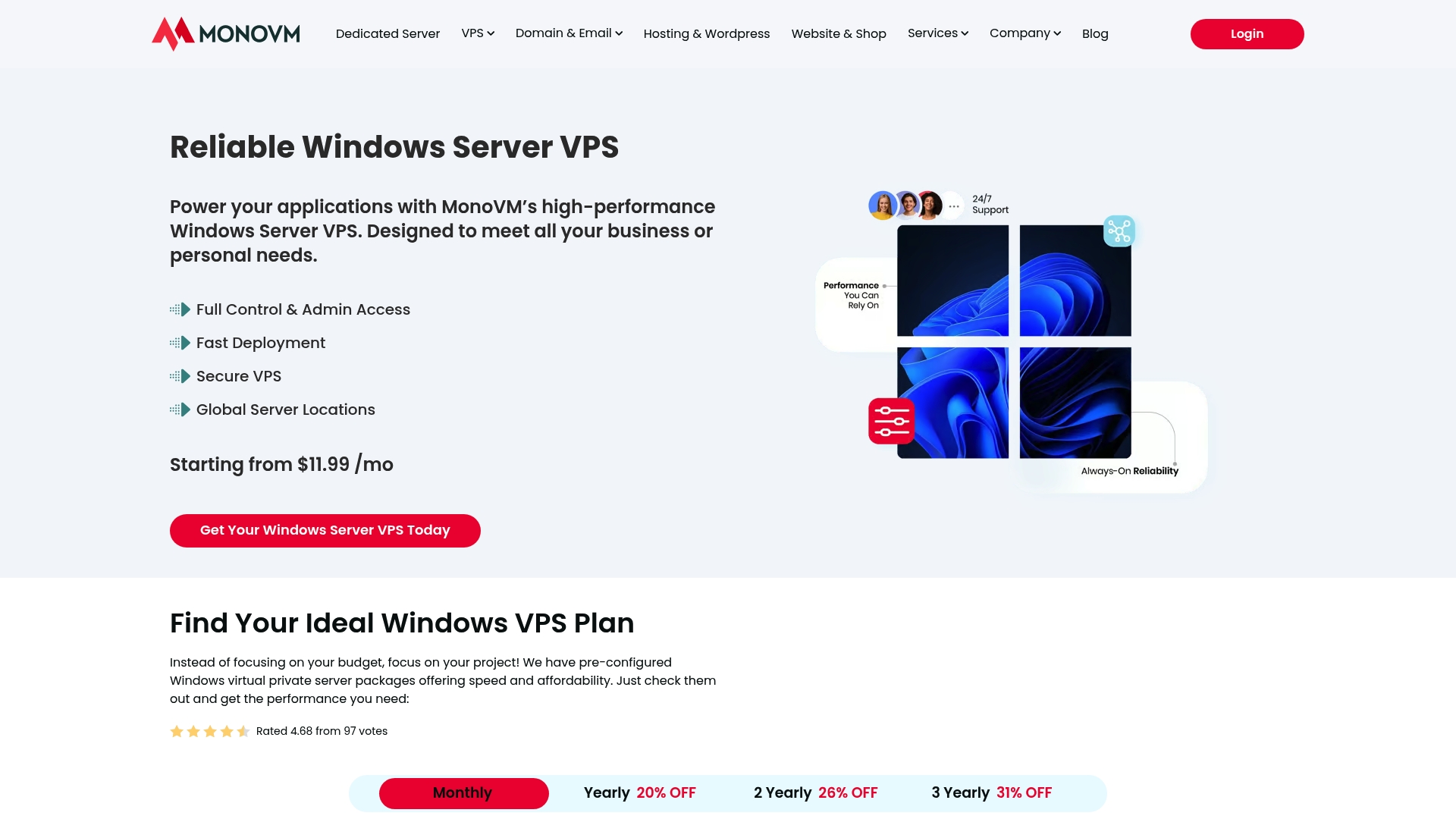
MonoVM advertises Windows VPS plans starting at $11.99/mo and claims availability across 25+ datacenter cities, a mix that targets geographically distributed workloads and budget-conscious deployments. The vendor lists configurations up to 12288 MB RAM and 250 GB SSD for heavier builds.
Core Features
Full administrative access gives you a Full Windows desktop experience with Remote Desktop out of the box. MonoVM highlights a rapid deployment and automation system that can spin instances up quickly and tie into orchestration scripts.
Plans include varied CPU, RAM, and SSD tiers, NVMe-class performance is implied through SSD and RAID mentions, and the service advertises access to network testing tools like Looking Glass. Those location claims feed latency choices for trading and distributed app hosting.
Key Differentiator
The standout is the automation plus wide geographic footprint. MonoVM pairs scripted, fast provisioning with a broad selection of hardware profiles so teams can deploy low-latency Windows servers where their users or markets sit. That combo is useful when location and repeatable builds matter.
Pros
- Fast performance and global placement. For latency-sensitive setups you can choose regions close to your user base, which helps response times for trading or remote desktop users.
- Support for cryptocurrency payments adds flexibility if your procurement requires nontraditional billing methods.
- Flexible upgrade paths. You can start small and scale CPU, RAM, or storage without migrating off the instance.
- Full admin control. If you need custom Windows roles, IIS setups, or third-party agents, you get an administrator account to install and configure as required.
- SSD storage with RAID-style redundancy mentioned in the product data provides better I/O than spinning drives for typical web apps and trading stacks.
Cons
- Customer support complaints are frequent in public reports; slow or nonresponsive support could extend incident resolution times.
- The data includes reports of billing disputes and occasional data integrity concerns, which raises a flag for critical production workloads.
- Dashboard usability has been called confusing by some users, increasing onboarding time for teams that prefer a polished control panel.
- There are noted security concerns around default configurations, meaning additional hardening is likely required before exposing servers to production traffic.
When It May Not Fit
If you require enterprise-grade, SLA-backed support for critical systems, the reported support inconsistencies and billing incidents make MonoVM a risky primary provider. Also, teams without Windows server experience should expect a steeper setup curve because the platform assumes administrative control.
Who It's For
IT teams and developers who need geographically distributed Windows VMs with full admin access and automated provisioning. Good fit for traders, remote-desktop deployments, and dev/test environments where location choice and fast redeploys matter more than managed support.
Real World Use Case
A forex firm can deploy distributed Windows servers near exchange endpoints to reduce latency. Using the automation system, the firm replicates identical builds across regions and maintains full admin access to tune platform and security settings for each locale.
Pricing
Base plans start at $11.99 per month, with discounts for annual and multi-year commitments. The website lists multiple tiers so you can pick CPU, RAM, and SSD combinations aligned with budget and performance needs.
Website: https://monovm.com/windows-vps
VPS Hosting: A Comparative Analysis
When selecting a VPS hosting provider for your Windows Server needs, considerations often balance features, configuration flexibility, geographic coverage, and support responsiveness. Each provider discussed here caters to specific user requirements, making the choice heavily context-dependent.
Deployment Efficiency vs Feature Depth
NetCloud24 distinguishes itself with its instant deployment capabilities backed by pre-configured Windows environments and included CAL RDS licenses. This simplifies initial setup, benefiting companies aiming to quickly migrate complex ERP and database applications while minimizing manual configuration steps. In contrast, competitors like Kamatera and MonoVM offer broader geographic placement advantages, fitting scenarios where server proximity greatly influences latency. However, this sometimes necessitates higher administrative effort to fully integrate setups.
Customization and Support Dynamics
For businesses prioritizing operational flexibility, Hostek’s managed server offerings provide a dependable foundation with hybrid setups and array support for niche platforms like ColdFusion hosting, appealing to legacy application demands. Meanwhile, MonoVM’s extensive scripting and automation capabilities support specialized deployment tasks but involve user responsibility concerning provisioning security. These attributes position Hostek as a comfort choice for enterprises seeking structured managed services but render MonoVM an attractive option where rapid scale and scripting automation outweigh its steeper support curve.
Best Fit Scenarios
- NetCloud24: For Irish businesses requiring ERP hosting paired with local application support and GDPR compliance measures, NetCloud24 simplifies migration via pre-configured templates tailored for performance.
- Hostek: Organizations that run ColdFusion or WordPress sites needing integration with geo-failover options and require hands-on 24/7 support.
- Kamatera: Teams performing development needing adjustable compute resources for test scenarios, leveraging hourly billing.
- MonoVM: Traders requiring low latency Windows hosting with full administrative application control near financial markets.
Our Pick
NetCloud24 is the preferred choice for Irish organizations managing ERP or accounting workloads that prioritize setup efficiency. Its inclusion of RDS CAL licenses and high-performance NVMe storage avoids common procurement bottleneck issues. However, for workflows emphasizing on-demand control or distributed system setups, Kamatera provides a compelling alternative with flexible resource scaling and hourly billing useful for iterative testing phases.
Windows VPS Hosting Solutions Compared
Choose the ideal solution by evaluating each platform's features, regional availability, and support options.
| Provider | Core Feature | Key Differentiator | Pricing | Notable Limitation |
|---|---|---|---|---|
| Netcloud24 | Pre-configured Windows Server with CAL RDS licenses | Local-focus and ERP-tuned NVMe hosting | Starting from €122.99/month, VAT included | Additional costs for optional add-ons may apply |
| Hostek | Managed hosting with geo-failover support | Hands-on US-based live customer support | Custom quoted based on service level | Past incidents of disrupted service migrations reported |
| SoftSys Hosting | Flexible VPS, dedicated hardware with DDoS security | High-value pricing with responsive customer support | From $15/month for managed VPS | Strict refund policies may hinder plan changes |
| Kamatera | Real-time resource configuring and hourly billing | Global placement for customizable server control | From $8/month | High customization needs experience for optimal use |
| MonoVM | Windows VPS with fast deployment and upscaling | Broad geographic availability supporting low latency | Starting at $11.99/month | Inconsistent customer support as indicated in user feedback |
Discover Reliable Windows VPS Hosting with Netcloud24
Choosing the right Windows VPS means solving challenges like complex licensing, slow deployment, and inconsistent performance. For businesses running ERP, accounting, or database applications, these issues can interrupt workflows and cause costly delays. Netcloud24 specializes in Windows Server environments with included RDS CAL licenses, NVMe enterprise storage, and rapid five-minute provisioning. Their solution is designed specifically to meet the needs of Irish enterprises using software such as Sage and Xero, making migration smoother and handling multiuser remote desktop access hassle-free.

Experience fast deployment and dependable performance today by exploring Netcloud24's Windows VPS Hosting. Secure your business environment with GDPR compliance, automatic backups, and tailored support. Visit https://ie.netcloud24.com now and launch your pre-configured Windows Server instance within minutes to streamline your remote desktop services and reduce administrative overhead.
Frequently Asked Questions
What features does NetCloud24 offer for multiuser remote desktop environments?
NetCloud24 includes CAL RDS licenses for Windows Server 2022 and 2025, allowing easy setup for multiuser remote desktop setups. This feature eliminates common licensing headaches and allows IT teams to deploy quickly. Consider using NetCloud24 if your business relies on multiuser environments.
How does NetCloud24 compare to Hostek regarding support and management?
Hostek provides 24/7 US-based support and emphasizes managed hosting for businesses needing hands-off infrastructure. In contrast, NetCloud24 focuses on offering pre-configured images that include necessary licenses, making it a better choice for businesses prioritizing quick deployment and local business software compatibility. If you need efficient deployment and ease of management, NetCloud24 may suit your requirements better.
What is the pricing of NetCloud24's Windows VPS plans?
NetCloud24's Windows VPS RDS prices start at 122.99 EUR/month and include necessary CAL RDS licenses. This pricing allows businesses to budget more effectively for their multiuser environments while eliminating additional licensing costs. Be aware that additional options, like SQL Server licenses, can raise overall costs.
Can NetCloud24 support businesses running specific accounting software?
Yes, NetCloud24 is tailored to support Irish accounting packages such as Sage and Xero, ensuring compatibility during migration. This focus reduces the common surprises businesses may face when switching environments. If your organization relies on these applications, you'll find NetCloud24 to be a suitable choice.
What backup features does NetCloud24 provide for data security?
NetCloud24 offers automatic daily backups retained externally for 14 days, enhancing data retention and security. This backup approach helps businesses comply with data protection regulations, like GDPR. Make sure to take advantage of these features for added peace of mind.